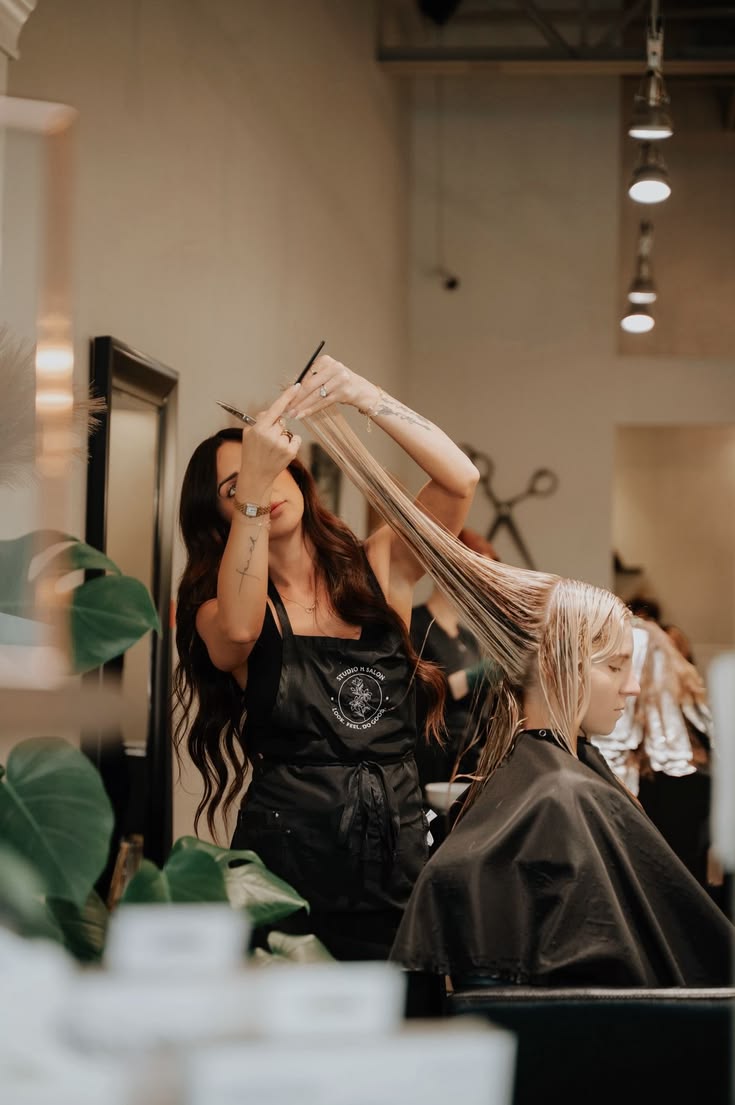
What you are actually paying for
Marketplace fees are usually charged per new client or as a percentage of the booking. That is fair for genuinely new discovery, and poor value for the regulars who already know your name and searched for you specifically.
What to bring with you
- Your service list, durations and prices.
- Your client list and their contact details, where you are permitted to export them.
- Your opening hours and any recurring blocks.
- Your best photos and your existing reviews as social proof.
Switch without a gap
- Build and publish your new site first, with services and availability complete.
- Run both for two to four weeks so existing bookings play out.
- Change every link you control: bio, Google profile, signature, cards.
- Tell clients once, warmly, and give them the reason: it is quicker and you keep more of what they pay.
- Close new bookings on the marketplace and let the calendar empty naturally.
Keeping your reviews
Reviews rarely transfer. Import what you can, then ask your next twenty happy clients for a fresh review. Twenty recent reviews beats two hundred old ones on another platform you no longer control.
Put this into practice
Bookwan gives you a booking website, deposits, reminders and your calendar in one app. 15 days free, no card needed to start.
Get startedKeep reading
- How to create a booking website for your beauty businessA step by step guide to building a booking website for hair, nails, lashes or barbering, from your handle to your first online appointment.
- A tour of your Bookwan dashboardWhat every part of the dashboard does: setup progress, revenue, today's appointments and the side menu.
- How to add and price a serviceCreate a service with duration, price, deposit and staff, then add variations such as lengths or add-ons.